- Sign in to the My Account portal at myaccount.microsoft.com with your work or school account, using your existing password.
- Select Change Password from the left navigation pane.
-
Type your old password, and then create and confirm your new password.
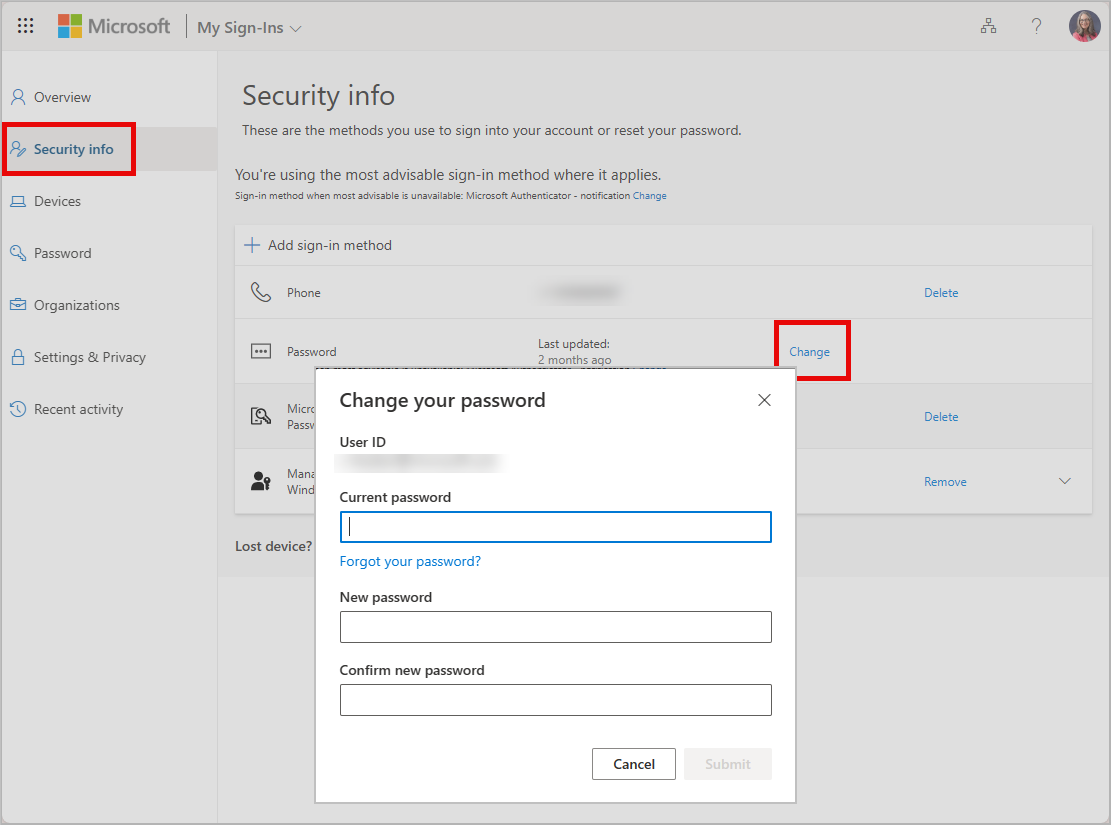
- Select Submit. Your password will be changed and you'll be asked to sign in to your work or school account again.